A Call from the Bank or Post Office? How to Spot a Scam and What to Do Afterwards
Requests for a code, instructions to "save" your money or questions about a delivery: how to check a caller and respond if you have shared data, money or access to your phone.
You are expecting a parcel or use a banking app, so the call seems ordinary. A request to read out a code or urgently "save your money" can turn that everyday conversation into a risk to your savings. For someone in Brest, Pinsk or a small village, the useful sequence is the same: end contact, check the information independently and protect anything the caller may have gained access to.
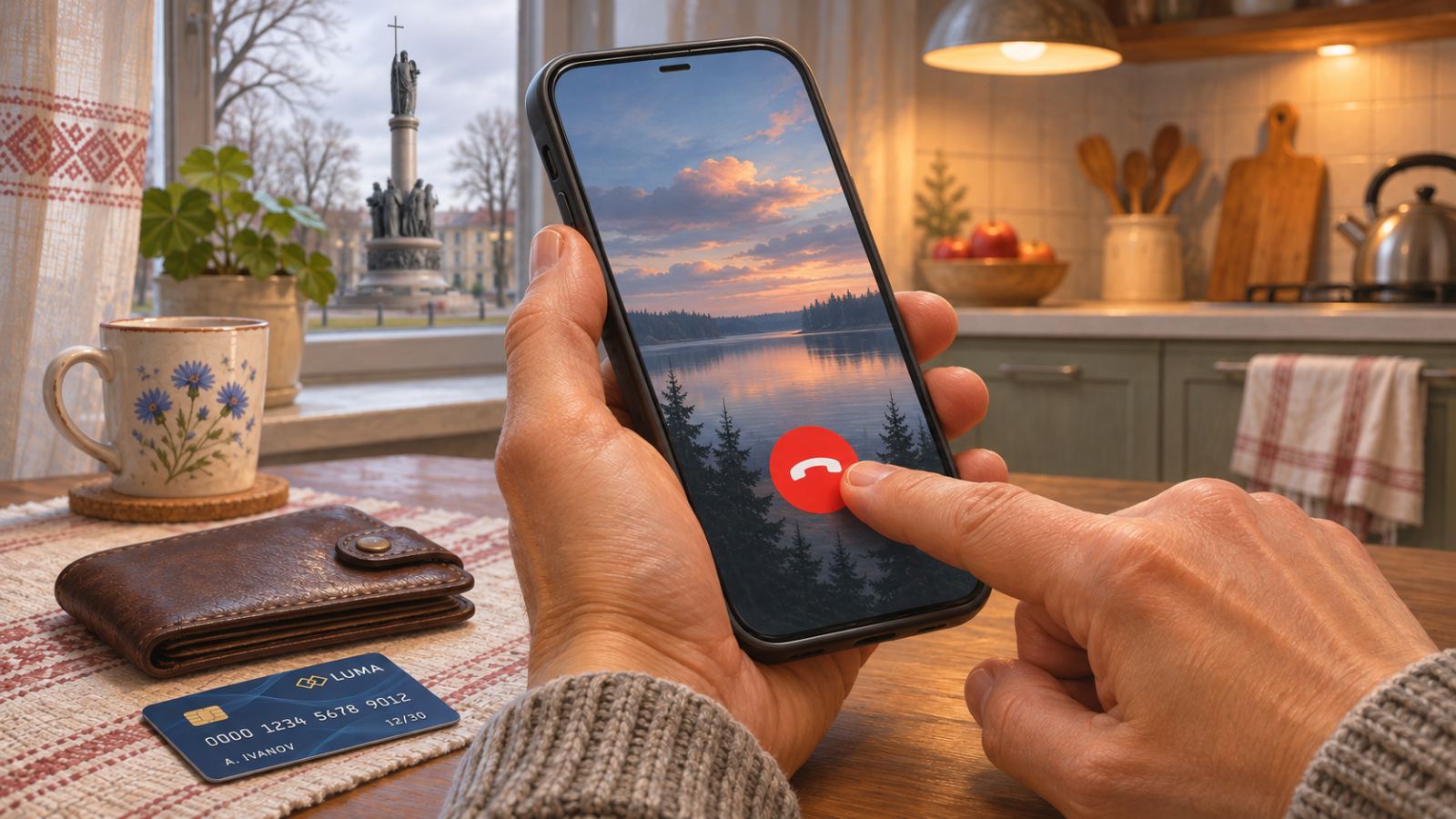
End the call first
Do not share codes or passwords, transfer money or install apps at the direction of an unexpected caller. If you have already shared information, contact your bank independently; if you have been scammed, contact the police on 102.
Warning signs that mean you should stop the conversation
A scammer may pose as a postal worker, bank specialist, telecom operator or investigator. RRB Bank's guidance describes calls about protecting savings, replacing meters and assisting a secret operation. Judge what the caller asks you to do, rather than how convincing their job title sounds.
- They ask for a code from a text message or app, a password, PIN or card security code. Read the purpose of the message yourself and do not dictate its contents to anyone.
- They demand that you withdraw cash, hand it to a courier, transfer it to a "safe account" or take out a loan to cancel somebody else's loan.
- They ask you to install "protection", open a file they sent, share your screen or allow control of your phone.
- They rush you, threaten a search of your home, forbid you to hang up or tell you not to consult relatives. Such secrecy helps keep a person under pressure.
Belarusbank warns that screen sharing can expose banking codes and transaction confirmations to another person. An attractive profile displaying an organisation's logo does not make this request safe.
Check the bank or parcel independently
End the call and open an official app you already have installed, or type a known website address yourself. Find the contact number on your card, in the app or on the official website, rather than in the message you received. The National Bank specifically warns that its contact centre staff do not call through messaging apps and advises people to contact it independently.
Belpost describes a scam involving a fake link that asks the recipient to update an address and pay for a second delivery. If you are expecting a parcel, check it using the tracking number you already know on belpost.by, typing the address yourself. You can find branch contacts in our postal directory; discuss any money transfer with your bank.
If you only talked, or have already shared a code
Write down exactly what you did: answered questions, opened a page, entered a password, read out a code or approved a transaction. The fact that a conversation took place does not establish which access may be affected. Do not make another "test" transfer, even if a subsequent caller promises to fix the consequences of the first call.
If you shared a code, find the original message and check which service and action it concerned. A banking code is a reason to contact your bank immediately; a code for signing in to email or a messenger means checking that account through its official app. Tell support the time and action involved, but do not disclose fresh codes to someone who unexpectedly calls you back.
For the affected account, change the password, review devices and end unfamiliar sessions according to the service's instructions. Google's guidance also recommends checking security events and recovery options and enabling two-step verification. If you have already lost access, follow the official recovery process rather than accepting help from a stranger in a chat.
If you entered card details or transferred money
The Ministry of Communications recommends urgently blocking and replacing a card if its full details were entered on a fake website. If you still control your phone, use the official banking app or call the bank independently. Do not wait for a debit before reporting that the details have been compromised.
Tell the bank which details you shared and whether you approved anything, made transfers, connected another device or allowed access to online banking. Ask it to check transactions and explain which cards and access methods need restrictions. Blocking a card alone does not replace a discussion about other access if an outsider knows your online banking password.
If money has already left, provide the time, amount and transaction details, ask the bank to register your report and explain possible next steps. Keep the reference number and any documents the bank issues. Do not assume that a refund is guaranteed, and do not pay unknown "helpers" who promise to recover stolen funds.
If you installed an app or shared your screen
Stop sharing your screen and end contact with the caller. If you granted remote access, disconnect mobile data and Wi-Fi on that device and use another phone to contact the bank. Do not open online banking or enter new passwords while someone else may still control the device.
Tell the bank about the app and the permissions you granted, even if no money has yet been taken. Note the app's name, installation time and available information about the call. Arrange further checks of the phone and the restoration of secure access with a specialist; removing a shortcut does not establish that every consequence has been resolved.
Keep evidence and contact the police
The Investigative Committee recommends blocking the card, keeping evidence and contacting the police on 102 if you have been scammed. The number is the same in Brest Region: explain what happened, whether there were transfers and whether anyone is still demanding money. If a courier is already on the way, do not attempt to arrange their detention yourself.
- Keep the caller's number and profile, contact time, messages, links and files they sent, without opening them again.
- Collect receipts, transfer details, bank notifications and support reference numbers.
- Write a short sequence of events: whom you believed, what you shared or installed and which transactions you approved.
Do not delay reporting while trying to assemble perfect screenshots: stop handing over money and contact the bank first. Branch contacts are listed in our directory of banks in the region; use your own bank's official contact for urgent blocking. Keep the original messages, and do not publish passport or banking details in public chats.
Agree on a plan with your family beforehand
Discuss a simple rule with parents and children: after an unexpected request for money, anyone may end the conversation and call back independently. Save a verified bank contact and a trusted relative's number in advance. Practise ending a call and finding a saved number on the phone you normally use, so you do not have to hunt for the right button when anxious.
If a relative has already believed scammers, help without blame: establish what they did and contact the bank and police together. Do not ask them to forward passwords or codes to you "for checking". The family's task is to help the person make calm decisions again, rather than continue the pressure in a different voice.
A short checklist after a suspicious call
- End the conversation and stop following the caller's instructions.
- Establish what has already been shared: details, a code, money or access to the device.
- Contact the bank independently; recover affected accounts through their official support services.
- Keep details of the contact and transactions; if you have been scammed, contact the police on 102.
- Warn relatives and stop communicating with anyone who promises to "save" your money through another transfer.
Sources and further reading
- National Bank: warning about messaging-app calls impersonating its contact centre (checked November 19, 2026).
- Belpost: fake messages requesting address updates and payment for redelivery (checked November 19, 2026).
- Belarusbank: screen sharing, apps and "safe accounts" (checked November 19, 2026).
- Ministry of Communications: blocking and replacing a card after entering details on a phishing website (checked November 19, 2026).
- RRB Bank: scam methods, remote access and contacting the bank independently (checked November 19, 2026).
- Investigative Committee: data protection, keeping evidence and calling 102 (checked November 19, 2026).
- Google: securing a compromised account, reviewing devices and recovering access (checked November 19, 2026).